
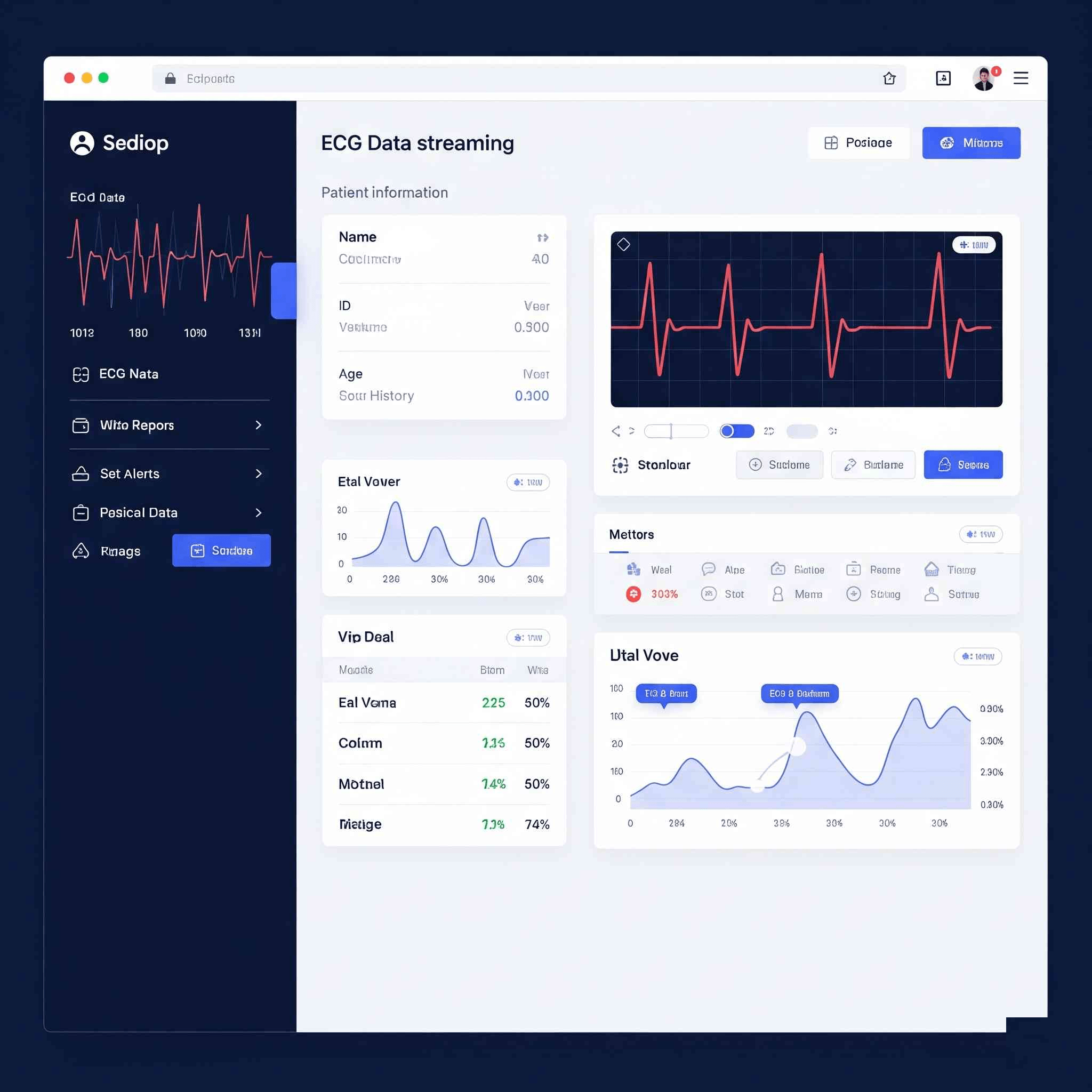
Modernizing ECG Data Streaming with Enhanced UI/UX
LifeSignals Inc.: Modernizing ECG Data Streaming with Enhanced UI/UX
This case study highlights Triophore’s expertise in UI/UX modernization, specifically for LifeSignals Inc.’s critical application. The project focused on transforming a legacy mobile user interface into a modern, intuitive experience, adhering to the latest design standards for real-time ECG data streaming.
The Challenge: Bringing Legacy UI to Modern Standards
LifeSignals Inc. faced a common challenge for established technology companies: their existing mobile application’s UI was based on an older design paradigm. The problem statement explicitly states the need to migrate a legacy mobile UI to a modern style, following the latest Google Material Design guidelines.
This migration wasn’t just about aesthetics; it addressed several underlying issues:
Outdated User Experience: Legacy UIs can feel clunky, counter-intuitive, and visually unappealing to modern users. This can lead to frustration, reduced engagement, and a perception of the application being less reliable or advanced.
Lack of Consistency: Older designs often predate comprehensive design systems, leading to inconsistencies in visual elements, navigation patterns, and user flows across different screens.
Poor Usability for Complex Data: When dealing with critical real-time data like ECG, a poor UI can hinder quick comprehension and decision-making. Data visualization might be suboptimal, and important alerts could be missed due to a cluttered or poorly organized interface.
Maintaining Brand Image: In the highly competitive health tech sector, a modern, polished application reinforces trust and professionalism, aligning with LifeSignals’ commitment to cutting-edge patient monitoring.
Technical Debt: Maintaining and adding new features to an outdated UI codebase can be time-consuming and inefficient.
The Solution: A Seamless Transition to a Superior User Experience
Triophore collaborated closely with LifeSignals to meticulously transform the application’s interface. The solution focused on a comprehensive UI/UX overhaul:
Migration to Modern Style: Triophore systematically updated every aspect of the legacy UI. This included revising layouts, color palettes, typography, iconography, and interactive elements to align with contemporary design principles and user expectations.
Adherence to Google Material Design Guidelines: By following Google’s Material Design guidelines, Triophore ensured the application possessed a familiar, intuitive feel for Android users. Material Design emphasizes clarity, consistency, and depth, leading to a more natural and engaging user experience. This also helps with accessibility and overall platform integration.
Enhanced UI/UX Experience: Beyond just updating the visual style, the project delivered a genuinely improved user experience. This involved:
Optimized Data Visualization: Presenting complex ECG data and other vital signs in a clear, digestible, and actionable manner. This might include improved charting, clear indicators, and intuitive dashboards.
Streamlined Workflows: Redesigning user flows to make tasks (like viewing real-time data, setting alerts, or accessing historical records) more efficient and less prone to errors.
Improved Navigation: Creating logical and easy-to-understand navigation paths within the application.
Interactive Elements: Incorporating modern interactive elements that provide clear feedback to the user.
Ongoing Maintenance and Support: Triophore’s continued support ensures the application’s UI/UX remains current, responsive to user feedback, and compatible with future Android updates and device variations.
The Tech Stack: Modern Tools for Modern Design
The technologies chosen underscore a commitment to modern Android development practices and rich, engaging user interfaces:
Kotlin: As the primary language for Android development, Kotlin provides a concise, safe, and interoperable foundation. Its features support building robust and high-performing applications, essential for a smooth and responsive user interface, especially when dealing with real-time data streams.
Jetpack Compose: This is Android’s modern, declarative UI toolkit. Jetpack Compose significantly streamlines UI development, allowing for the creation of rich, dynamic, and responsive user interfaces with less code. Its reactive nature makes it perfect for displaying real-time data efficiently and animating changes smoothly, which is critical for ECG streaming applications. Its use ensures the UI is truly “modern style.”
LottieFiles: Lottie is a JSON-based animation file format that enables designers to ship animations on any platform as easily as shipping static assets. Using LottieFiles allows for the integration of high-quality, lightweight animations (e.g., loading spinners, success indicators, subtle transitions) into the UI. These animations enhance the user experience by providing visual feedback, guiding the user, and making the app feel more polished and dynamic without impacting performance.
Meaningful Slug:
lifesignals-ecg-app-uiux-modernization
Header Image Concept:
For the header image, visualize the transformation from old to new, focusing on clean design and data visualization.
Image Idea: A split image or a “before and after” concept. On the left side (representing “legacy”), subtly show a blurred or desaturated mobile screen with an outdated, cluttered, or visually unappealing interface displaying a simplified, perhaps pixelated, ECG waveform. On the right side (representing “modern”), show a crisp, vibrant, and clear mobile screen with a sleek, modern UI, showcasing a smooth, detailed real-time ECG waveform using modern charting. The visual transition between the two sides should be smooth, perhaps with a subtle glow or a diagonal line separating them. Use the colors from Google Material Design (e.g., clean whites, subtle blues, and accent colors) for the modern side. This visually communicates the “migration” and “better UI/UX experience.”
Related Case Studies
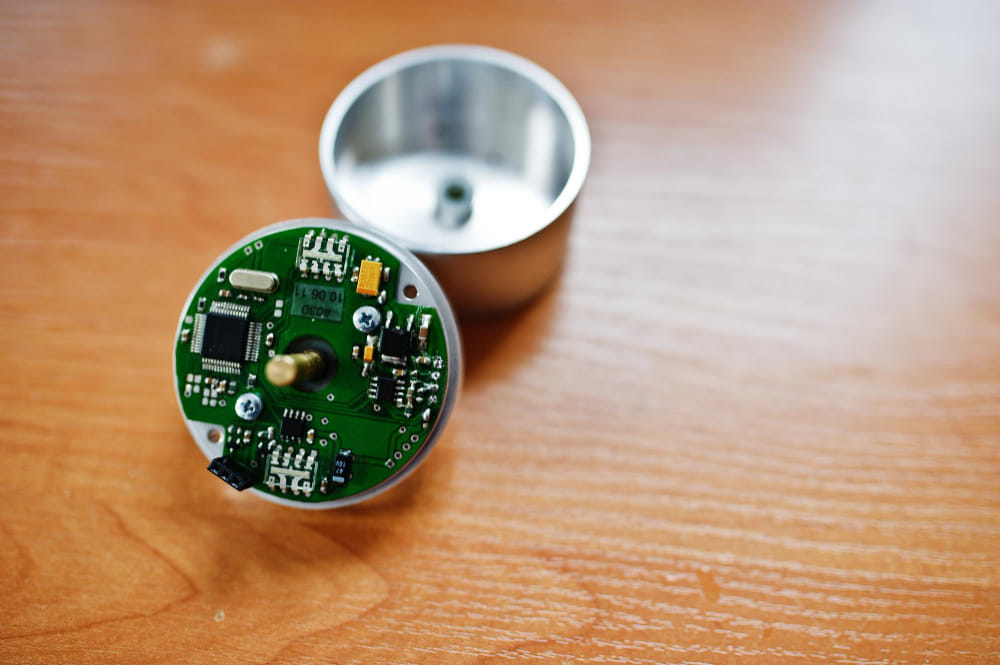
BioSensor Relay Mobile Application
In the rapidly evolving landscape of digital healthcare, remote patient monitoring (RPM) solutions are transforming how medical data is collected and analyzed. LifeSignals INC, a pioneer in wireless biosensor technology, sought to enhance the utility of their innovative Wireless ECG Patch.
Read More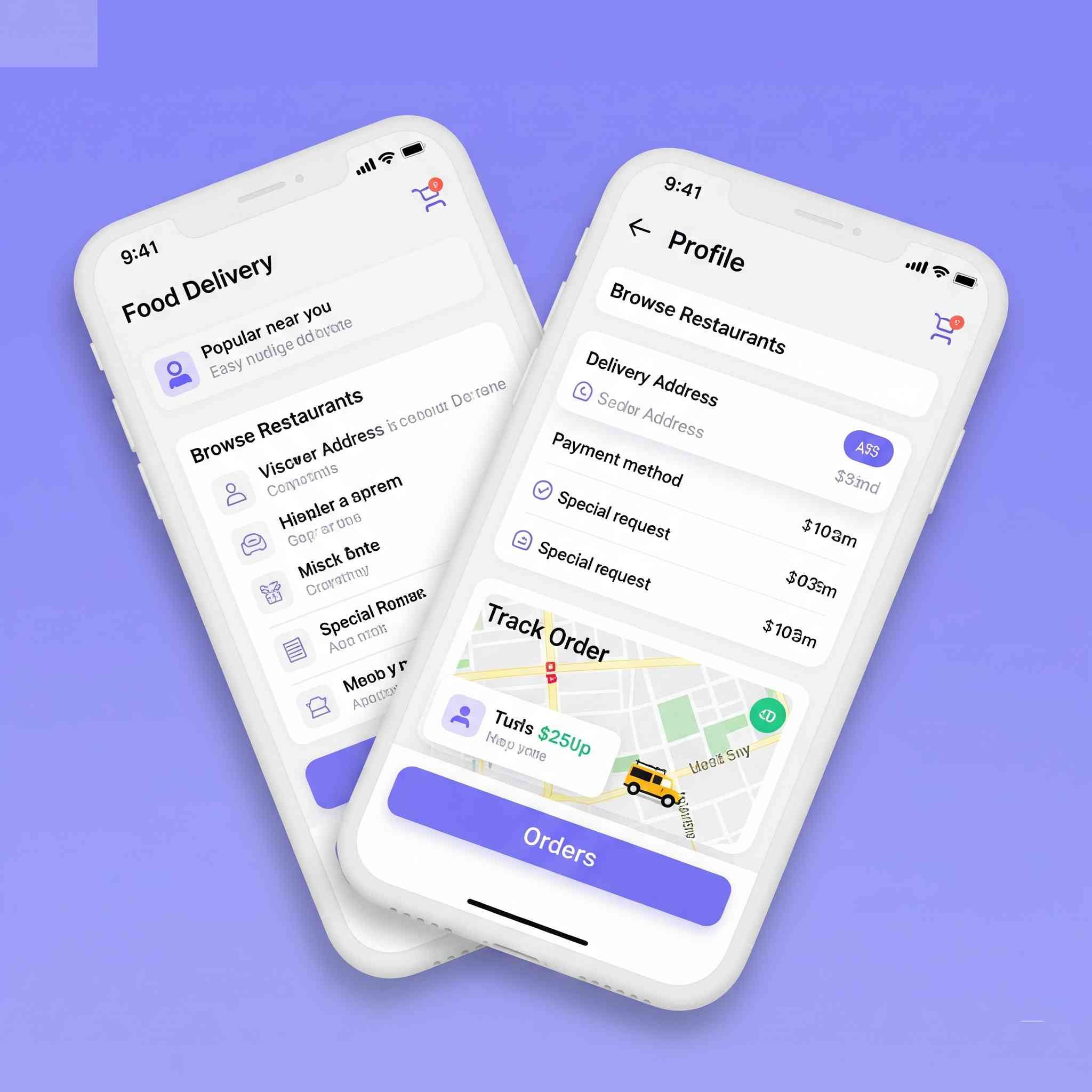
Delivery Agent Mobile Application
Read MoreE Learning Platform for Compass Institute
In the rapidly evolving educational landscape, e-learning platforms have become indispensable tools for delivering flexible, accessible, and engaging learning experiences. Compass Institute, a renowned educational institution, sought to expand its reach and enhance its pedagogical methods by developing a comprehensive online learning platform. Triophore partnered with Compass Institute to design and develop a robust, user-friendly e-learning application that would cater to their diverse student body and course offerings.
Read More